Surfcast
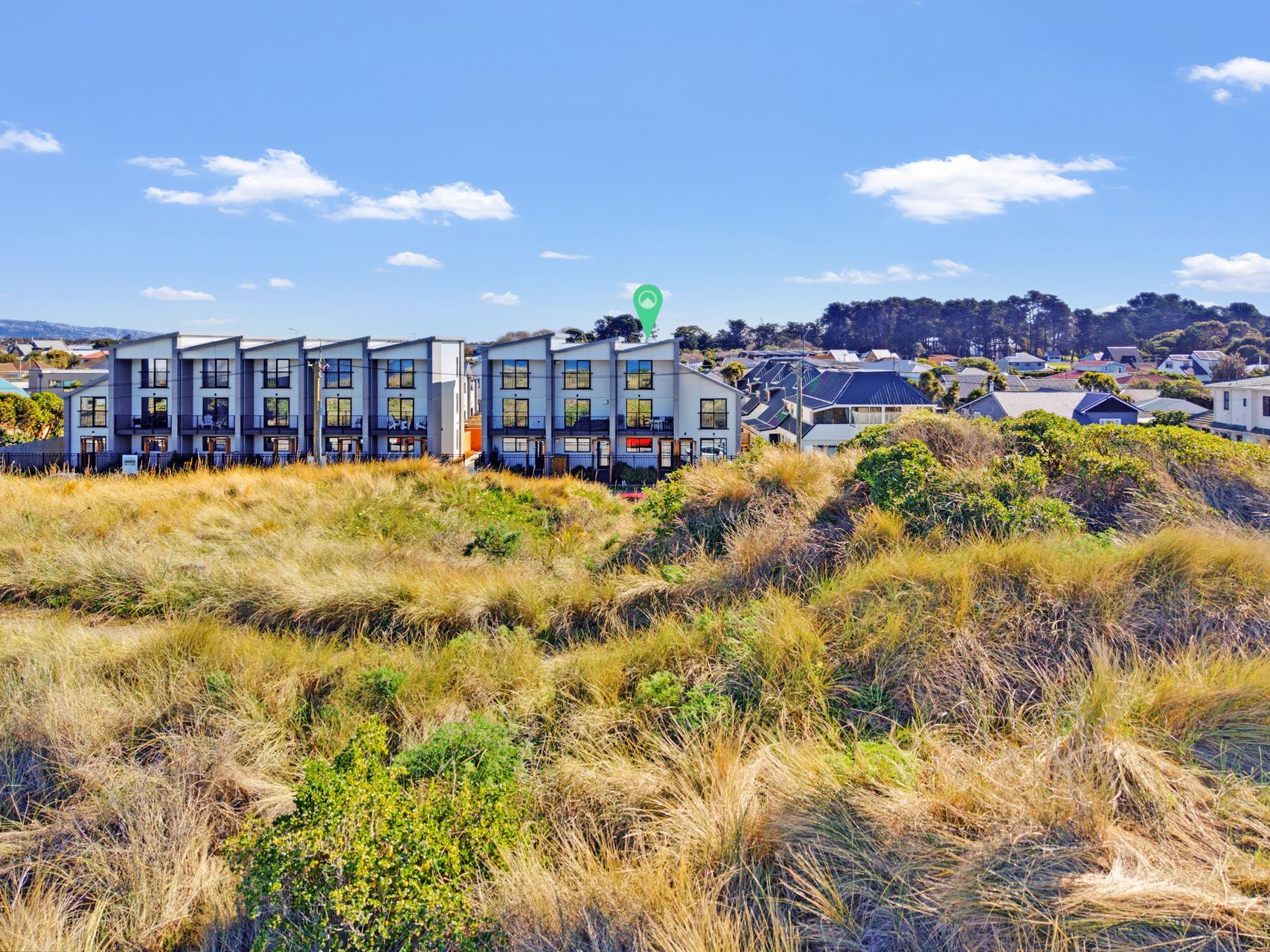
Beach radio broadcasting from the edge of Eastern Christchurch. Sun-soaked tunes, surf culture vibes, and the sound of the coast streaming live, straight from the sand.
Tuning Up
Surfcast Radio
Press play to tune in — tunes landing soon
Radio that sounds like the beach.
Surfcast is being built for the people who love the Eastern Christchurch coast — a streaming station with the feel of a long, lazy summer day by the surf.
Surf & Sand
A soundtrack shaped by the coastline — the kind of music that sounds right with salt in the air and sand between your toes.
Golden Hour
Warm, sun-drenched tracks for the slow part of the afternoon and the glow of a Christchurch sunset over the estuary.
Always On
A streaming station you can leave running — at home, in the car, on the beach. The coast, wherever you are.
Surfcast Studio
Stream URL
Paste your live stream URL from your NZ radio host (e.g. GeckoHost Icecast link). The player and now-playing ticker connect automatically.
Playlist
Build your set list here, then upload these tracks to your provider's AutoDJ for 24/7 streaming. Saved in your browser.
No tracks yet. Add your first tune above.
24/7 Streaming Guide
Five steps to get your tunes streaming around the clock through your NZ radio host.
1. Upload your tracks
Log into your GeckoHost dashboard, go to Media → Upload, and add your MP3 files. These are the songs that play on rotation.
2. Build your playlist
Create a playlist in the AutoDJ section and add your uploaded tracks. Arrange them in the order you want them to play.
3. Enable 24/7 AutoDJ
Turn on AutoDJ so your playlist loops continuously — day and night, rain or shine. The stream never goes silent.
4. Copy your stream URL
Grab your Icecast stream URL (e.g. https://server.geckohost.nz:8000/surfcast) from the Mount Points section.
5. Paste it in Surfcast Studio
Drop the URL into the Stream URL field above and hit Save & Connect. The player and now-playing ticker go live instantly.
Tunes landing soon.
Surfcast is a brand-new project. I'll be adding my own tunes and building out the live stream from right here in Eastern Christchurch. Check back soon or start a conversation and I'll let you know when we go live.